PhotoDump.ai
Self-hosted, password-protected photo sharing for events — with optional on-device AI face search to find every photo you're in.
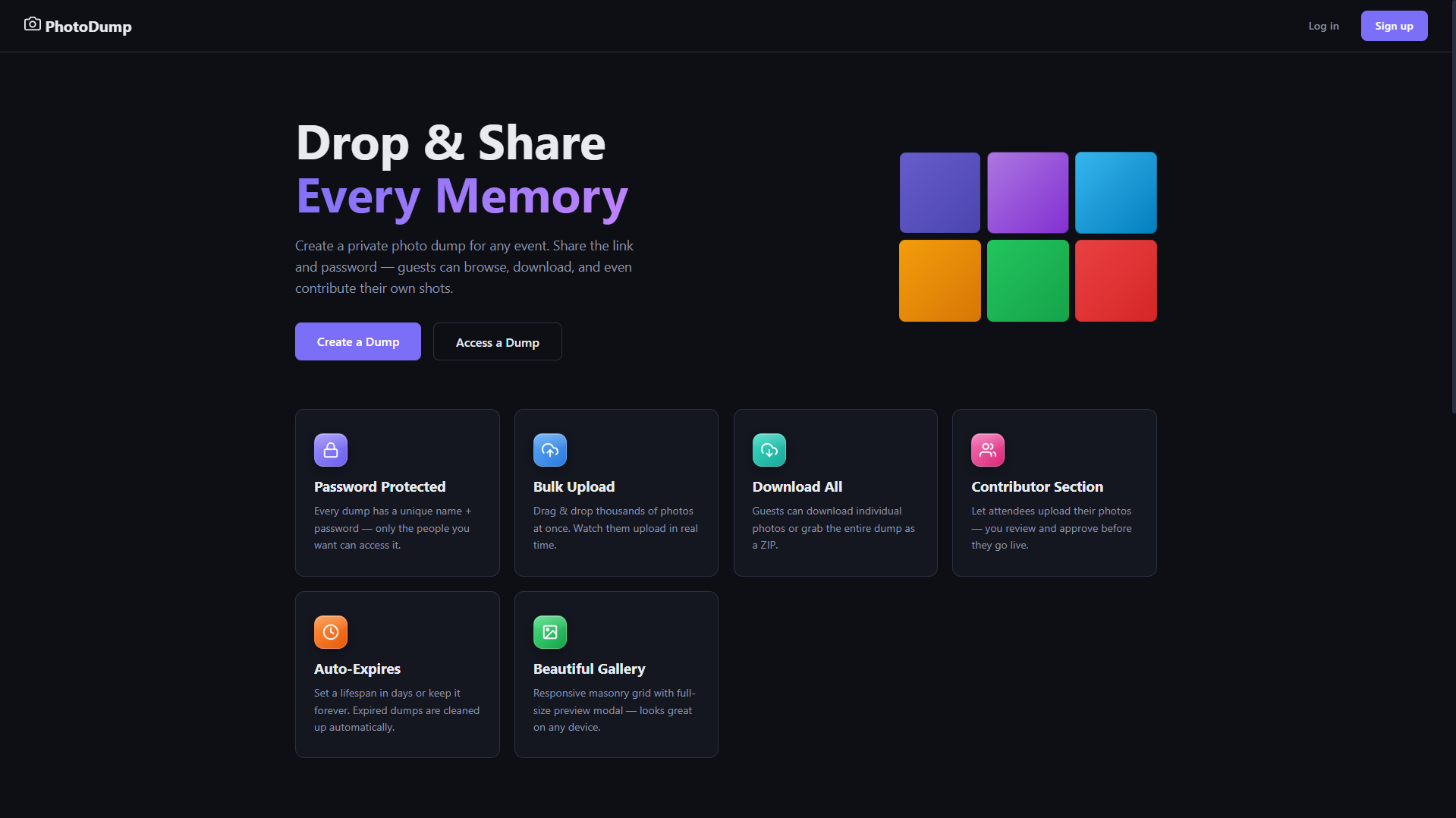
Drop & share every memory
PhotoDump is a self-hosted, private photo-sharing platform for events. Owners create password-protected "dumps," share a link, and guests can browse, upload, and download photos — no third-party service, no ads, and full control over where the data lives.
The interesting engineering problem was Phase 2: letting guests find every photo they're in with just a selfie, without touching the cloud. That meant designing a face-recognition pipeline as a separate, optional GPU microservice — deployable on the same machine or a different one — that the main app talks to over plain HTTP and degrades gracefully around when it's offline.
What it does
- JWT-based auth with bcrypt-hashed passwords
- Every dump locked behind its own access password
- Scoped access tokens that only unlock specific dumps
- Create dumps with name, description, password, optional expiry, and background color
- Owner dashboard shows every dump with photo counts and sizes
- Drag-and-drop batch upload, one-click share link, one-click delete
- Pinterest-style masonry layout with natural aspect ratios
- Full-screen lightbox with keyboard navigation
- Select individual photos or download everything as a ZIP
- Responsive grid — 4 columns on desktop down to 1 on mobile
- Guests upload their own shots to any dump they have access to
- Contributor tags show who uploaded each photo
- Owner reviews and approves guest photos before they go public
- Guests upload a selfie and instantly see every photo they appear in
- DeepFace + Facenet512 with RetinaFace detection, 100% local
- Runs as an optional GPU microservice, portable to any host
- Auto-indexes new uploads; owners can trigger a full re-index
- Auto-generated thumbnails via Pillow
- Hourly background job (APScheduler) purges expired dumps
- Multi-container Docker setup with persistent volumes
- No-cache static middleware keeps CSS/JS updates fresh
How face search works
Photo upload — a photo is saved and thumbnailed, then queued for face indexing in the background.
Face extraction — the app server sends the photo bytes over HTTP to an independent GPU microservice.
Detection & embedding — RetinaFace locates faces in the image; Facenet512 turns each one into a 512-dimensional embedding.
Storage — embeddings and bounding boxes are written to a face_embeddings table in PostgreSQL, linked to the photo and dump.
Selfie search — when a guest uploads a selfie to "Find My Photos," the same extraction pipeline runs on the selfie to produce a probe embedding.
Matching — the GPU service compares the probe against stored embeddings by cosine distance (threshold ≤ 0.35) and returns matching photo IDs, filterable in the gallery and downloadable as a ZIP.
Two independent deployments. The app and GPU service are separate Docker services that communicate over plain HTTP/JSON — no message queue. The app checks /health before calling the GPU service and degrades gracefully ("GPU server is not up right now") if it's offline, so the rest of the app keeps working. A single-server Compose file runs everything on one machine; a multi-server setup points GPU_SERVICE_URL at a dedicated machine for better throughput.
Tech Stack
Check out the code
Full source, setup instructions, and architecture notes are on GitHub.